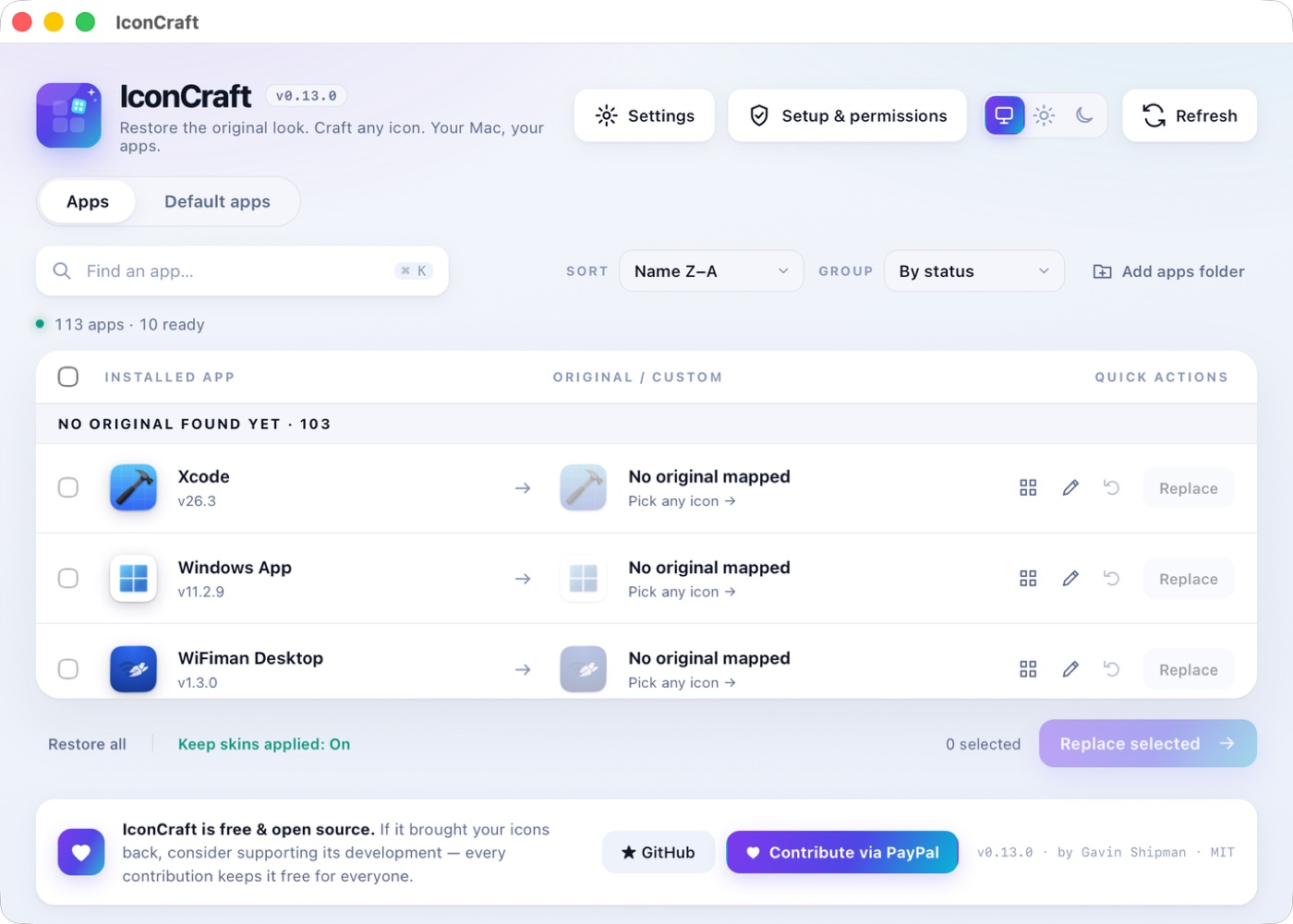
113 apps.
Still effortless.
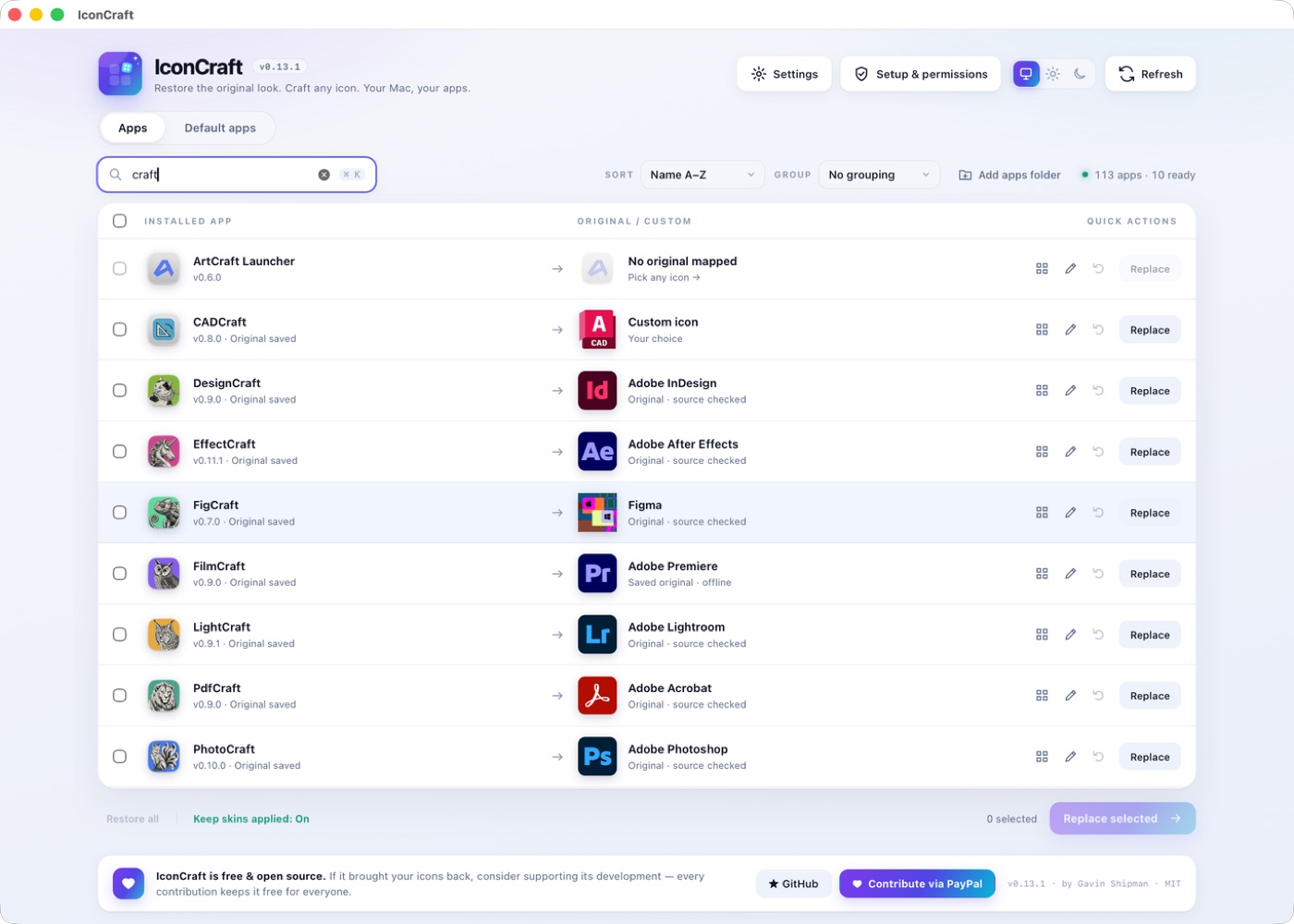
Search instantly with ⌘K. Group by status or folder, sort A–Z or customised-first, replace in bulk. IconCraft remembers how you left it.
IconCraft
The name and icon you know, on the app you actually use.
Nothing underneath changes.
Cancelled the subscription? Keep the face.
Vibe-coded the replacement? Give it a name.
PDF opens in the wrong app? You decide now.
The genuine original, found on your Mac and source-verified, comes first. Then every installed app’s icon, or any image of your own, on any app (Apple’s included). Nothing changes until you hit Replace.
Get IconCraft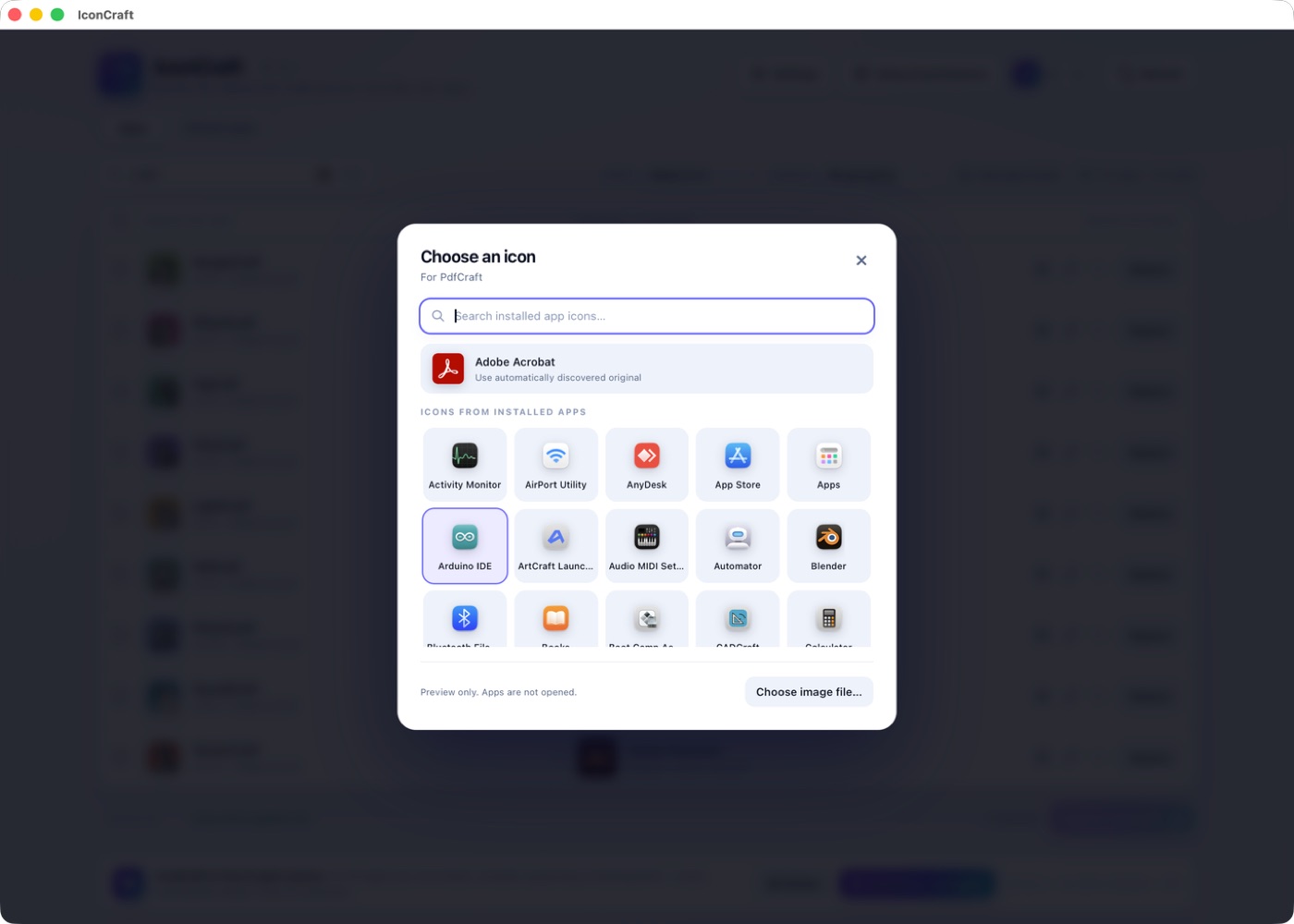
Search instantly with ⌘K. Group by status or folder, sort A–Z or customised-first, replace in bulk. IconCraft remembers how you left it.
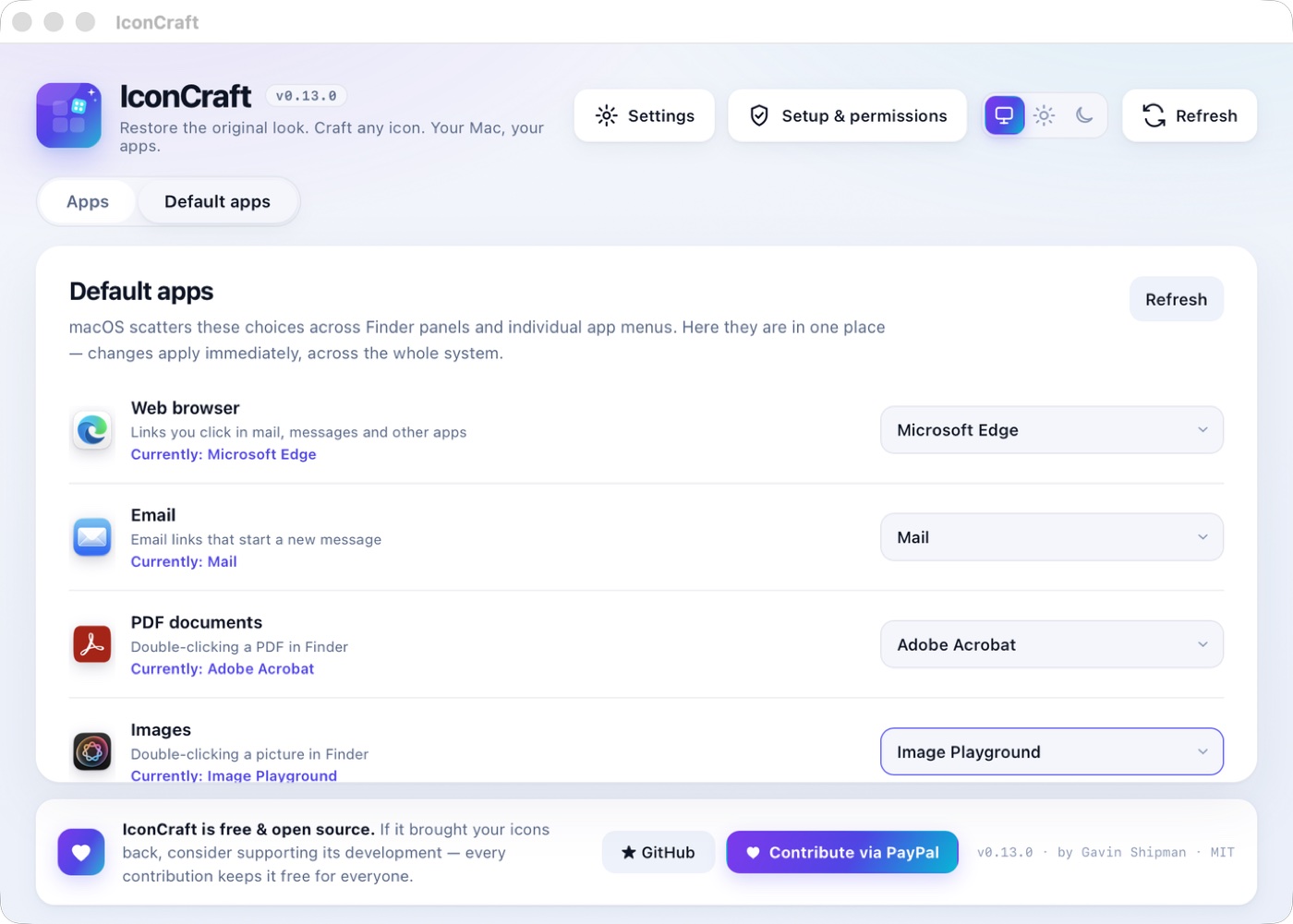
Browser, email, PDFs, photos, video and more. Eleven default-app choices macOS scatters across a dozen panels — in a single list.
Every change is journaled before it happens. Restore one app, or everything, exactly as it was. If an update reverts a skin, the keeper reapplies it — even while IconCraft is closed.
100%reversible
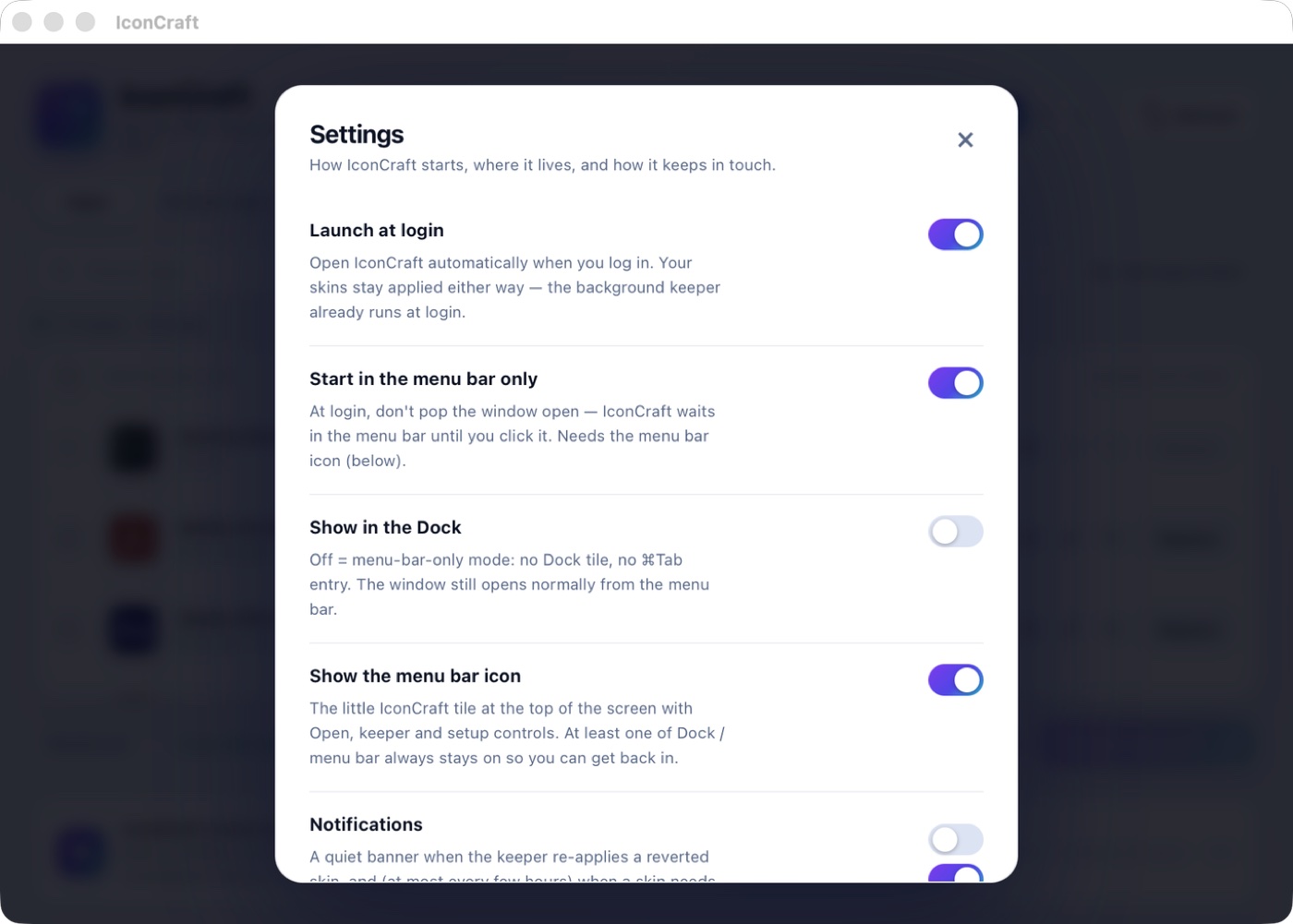
Launch at login and live in the menu bar. You’ll only hear from IconCraft when something actually needs you.
Every icon hunt costs you five seconds. You pay it a hundred times a day.
You switched to a smarter, cheaper alternative — and your muscle memory revolted. IconCraft puts Acrobat’s face on the app you actually open, so your hands find it before your eyes do.
Every AI-built tool ships with the same stock icon. Give each one a name and a face of its own — or borrow the one it replaced — in about ten seconds each.
macOS hides default apps across a dozen Finder panels. IconCraft puts eleven of them in one list. Pick once; it applies everywhere, and it verifies the change stuck.
Without IconCraft
With IconCraft
Ten seconds per app. Undone just as fast, any time.
Same code. Same files. Same behaviour. IconCraft changes the name and the face — and keeps a journal so you can take it all back.
Developer ID signed · hardened runtime · notarised by Apple · MIT licence
The same idea — your apps, wearing the faces you know — is in active development for Windows and Linux, and will be out soon.
Available now
v0.13.3 · Universal
macOS 12.3 or later
brew install --cask gshipman223/iconcraft/iconcraft
In development
Coming soon
Follow along for the launch
In development
Coming soon
Open source from day one
Verify your download with the SHA-256 checksums · Release notes
Every feature, free forever — MIT-licensed, no tiers, no ads, no account. If IconCraft just gave you your Dock back, chip in whatever that’s worth to you. It keeps development moving, and it’s entirely up to you.
Yes — free and open source under the MIT licence. No tiers, no ads, no account. An optional PayPal contribution supports development.
No. Changes are journaled before they’re made and restored exactly, per app or all at once. The app underneath is never modified beyond its name and icon.
Changing another app’s icon or name means writing inside that app’s bundle, which macOS guards with App Management. IconCraft proves it with the same harmless write check a real change uses — and never asks for Full Disk Access, Accessibility or Screen Recording.
No. Release builds are Developer ID signed, hardened and notarised by Apple. Double-click and it opens.
Both are in active development and will be out soon, with the same reversible icon and name customisation. Star the GitHub repo to hear when they land.
No telemetry, no analytics, no account. The only optional network call is the GitHub update check, which you can turn off.
Free & open source · Windows and Linux coming soon
Your Dock could look like yours again.
Download free